

Welcome back to Lords Exchange. If you already have your official username and password, you are just seconds away from accessing India’s premium online sports exchange and live casino platform.
Your dashboard is your personal control center. It is where you can view live match odds, place your stakes, monitor your available balance, and request instant withdrawals. We have designed the Lords Exchange login portal to be incredibly fast, mobile-friendly, and, most importantly, highly secure. Because we handle real-time transactions and sensitive user data, our login gateways are protected by state-of-the-art encryption protocols. If you don’t have a Lords account, then first perform LordsExch Registration.
On this page, you will find everything you need to know about logging into your account safely, troubleshooting common login errors, and recovering your password if you happen to forget it.
1. How to Log In to Your Lords Exchange Account
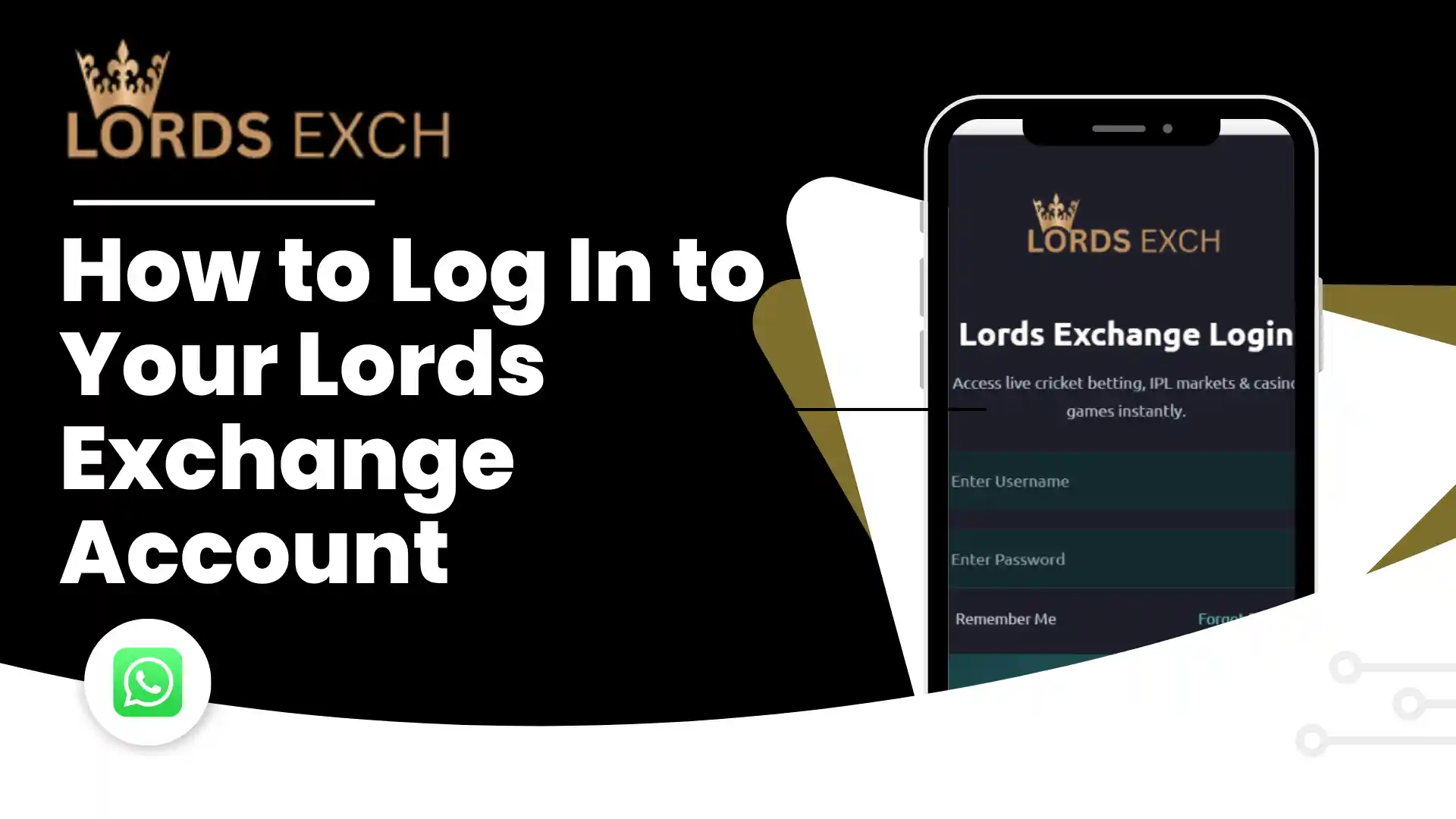
Logging into your account is a simple, straightforward process. Whether you are using a mobile phone, a tablet, or a desktop computer, the interface adapts perfectly to your screen. Follow these quick steps to access your wallet and start playing.
-
Navigate to the Official Login Portal
Open your preferred web browser (Google Chrome or Safari are recommended) and ensure you are using the official, secure login link provided to you by our customer support team upon registration.
-
Enter Your Username
Type in your unique Lords Exchange ID. Make sure there are no accidental spaces before or after your username, as the system will read the blank space as an incorrect character.
-
Enter Your Secure Password
Carefully type in your password. Remember that passwords are case-sensitive, meaning a capital “A” is different from a lowercase “a”. If you are logging in for the very first time, use the temporary password given by our live agent.
-
Click Login and Access the Dashboard
Hit the login button. Within a second, you will be redirected to your active dashboard where you can see your current chip balance, browse live sports events, and enter the casino lobbies.
2. Forgot Your Password? Quick Recovery Guide
With so many apps and websites in our lives, forgetting a password happens to the best of us. Traditional websites make you jump through hoops, wait for delayed email verification links, or answer a dozen security questions just to regain access.
At Lords Exchange, we handle password recovery differently. Because your account is linked directly to your verified phone number, recovering your password is fast and entirely personalized.
If you cannot remember your password, do not try guessing it more than three times, as this will trigger an automatic security lock on your account. Instead, follow these steps:
- Open WhatsApp: Go back to the messaging app where you originally created your account.
- Message Our Support Desk: Click the official support link on our Contact Us page.
- Request a Reset: Send a message saying, “I forgot my password for ID: [Your Username]”.
- Quick Verification: The agent will ask you one or two simple questions (like your last deposit amount or the date you created the account) to verify your identity.
- Get Your New Password: Once verified, the agent will instantly generate a new, secure temporary password. Log in immediately and change it to something you will remember.
3. Why Can’t I Log In? Troubleshooting Common Issues
Are you typing your details but getting an error message? Do not panic. Login issues are usually caused by simple, easy-to-fix mistakes. Here are the most common reasons users struggle to log in, and exactly how to fix them.
“Invalid Username or Password” Error
This is the most common error and it simply means the system does not recognize the exact combination of letters and numbers you typed.
- The Fix: Double-check your spelling. Make sure your Caps Lock key is turned off. If you are copying and pasting your password from a notepad app, ensure you are not accidentally highlighting an invisible space at the end of the word.
Account Temporarily Locked (Too Many Failed Attempts)
To protect your wallet from hackers who might try to “guess” your password using automated software, our security system will automatically lock your account if the wrong password is entered five times in a row.
- The Fix: You cannot unlock the account yourself. You must message our 24/7 WhatsApp support desk, provide your username, and ask them to remove the security hold.
Dashboard Loading Blank or Spinning
If you click login and the screen just spins or turns white, the issue is almost always related to your device’s network or browser cache.
- The Fix: Check your Wi-Fi or mobile data connection. If the internet is stable, clear your browser’s cache and cookies, or try opening a “New Incognito Window” and logging in from there.
Routine Maintenance Downtime
Occasionally, during the quietest hours of the night, we take the servers offline for 10 to 15 minutes to perform essential software updates and security patches.
- The Fix: If the site displays a “Maintenance” banner, simply wait a few minutes and refresh the page. Your funds and active stakes are completely safe during updates.
4. Crucial Security Rules for Your LordsExch Login
Your Lords Exchange ID holds real value. Just as you would protect your mobile banking PIN, you must take proactive steps to protect your exchange login details. Our servers are secured by military-grade encryption, but the most common security breaches happen because of user negligence.
Follow these professional security habits to keep your wallet impenetrable:
- Never Use the Temporary Password Permanently: When our agents give you a password to set up your account or recover a lost login, it is meant to be temporary. The very first thing you must do after logging in is navigate to your profile settings and create your own unique password.
- Beware of Fake “Mirror” Sites: Scammers often build fake login screens that look exactly like ours to steal your username and password (this is called phishing). Never click on login links sent to you by random people on Telegram groups or YouTube comments. Always access the dashboard through the official
lordsexchange.xyzdomain or the specific secure URL provided by our official WhatsApp support agent. - Do Not Share Your Account: Lending your account to a friend so they can place a quick stake is a violation of our terms and a massive security risk. If they accidentally change your password or misuse your funds, our support team cannot recover lost chips.
- Log Out Properly: If you are accessing your dashboard on a shared device, an internet cafe PC, or a friend’s phone, do not just close the browser tab. Click the menu icon and physically select the “Log Out” button to terminate the session securely.
5. Frequently Asked Questions About Logging In
6. Need Immediate Help Accessing Your Dashboard?
We understand that being locked out of your account right before a major sports match starts is incredibly frustrating. We do not want you to miss out on the action.
If you have read through this guide and are still unable to log in, do not wait. Our human support agents are sitting at their desks right now, ready to resolve your issue. We do not use automated bots that make you wait in queues.
Head over to our Contact Us page, click the official WhatsApp or Telegram button, and tell our team you are having trouble logging in. Include your username in the very first message so we can pull up your account file and fix the issue in under 60 seconds.